For DJs
Manage the booking, prepare the music and keep the details ready for the night.
- Enquiries, contracts, invoices and gig details
- Music library imports and event playlists
- Client preferences and live QR song requests
For DJs, photographers and event content creators
Booking software and CRM for weddings, parties and events. Keep enquiries, contracts, invoices and the details of every gig, shoot or content brief in one organised workspace.
14-day trial. Payment method required. Your plan renews automatically unless cancelled.
Plans from £9.99/month. View pricing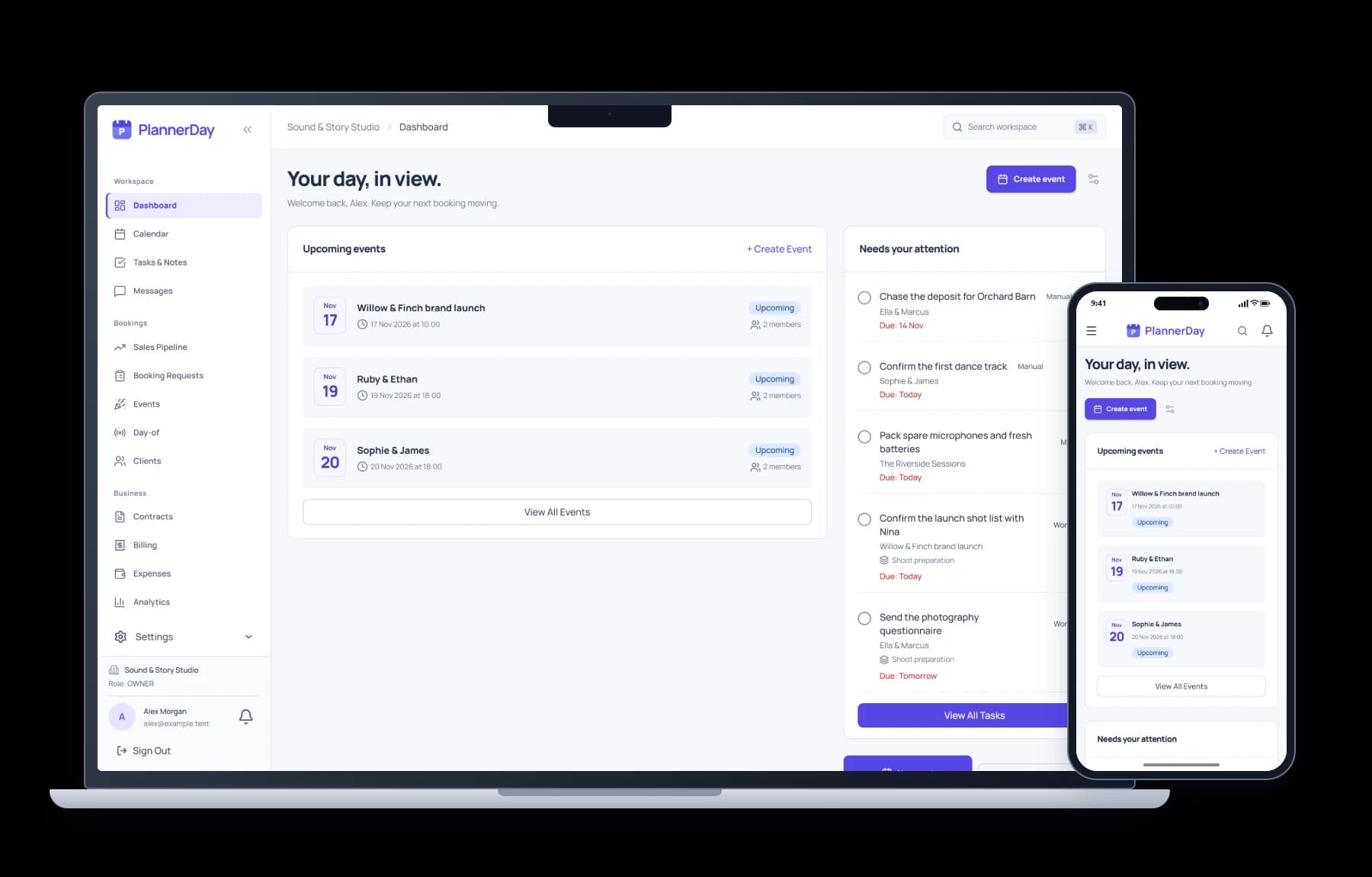
The same organised booking process, with the tools that make sense for your business.
Manage the booking, prepare the music and keep the details ready for the night.
Keep the client journey connected, from the first enquiry to the finished gallery.
Turn an enquiry into a clear brief for wedding, party and event coverage.
Keep the work moving, with the client information and documents alongside it.
Share or embed a booking form to collect the date, location and requirements.
Send a quote and contract, then share an invoice with deposit instructions.
Gather questionnaire answers, plan the timeline and organise the music or shot list.
Share documents and event information through client accounts, with reusable reminders.
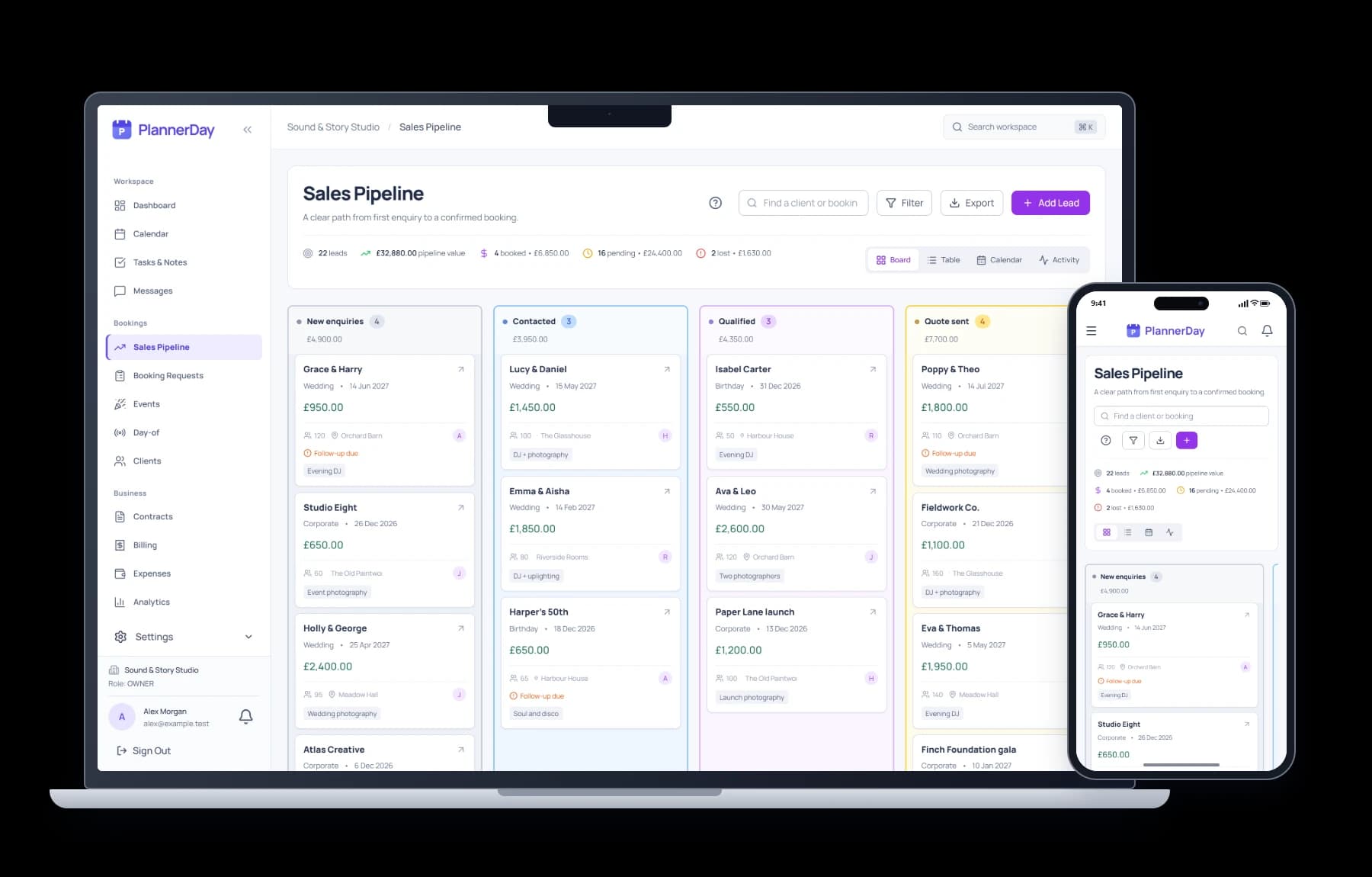
Keep enquiries visible and client details close to hand. Follow the booking from the first conversation through to confirmation.
Organise enquiries by stage so you can see which conversations need a follow-up.
Keep quotes, contracts and invoices with the client and event they belong to.
Reuse templates for contracts, questionnaires and emails rather than starting each booking from scratch.
Practical tools for the things clients need from you before the day.
Prepare reusable contracts with your terms and send them for digital signature.
Explore contractsSet payment schedules, include your payment instructions and keep payment records together.
Explore invoicingGive clients one place to review documents, complete questionnaires and find event information.
Explore client accountsStart with a DJ booking checklist, a wedding photography shot list or a content creator brief. Each includes an editable download.
Need help with your own workflow? Talk to us.
PlannerDay is business management software for event professionals, for mobile and wedding DJs, photographers and wedding and event content creators. It brings client enquiries, bookings, contracts, invoices and event preparation into one workspace.
Manage client records, booking enquiries, quotes, contracts, invoices, questionnaires and event timelines. DJs can also prepare music playlists and take live song requests. Photographers can organise shot lists and share client galleries.
Yes. Share a public booking form or embed it on your existing website to collect enquiries. You can keep your current website while using PlannerDay to manage the booking process.
Clients can review and sign contracts digitally. Invoices include your payment instructions, and clients pay your business directly. PlannerDay helps you manage deposit schedules, payment records and reminders; it does not process payments for your services.
The Individual plan starts at £9.99 per month, with Team and Enterprise plans available. Paid plans include a 14-day trial. A payment method is required, and your selected plan renews automatically unless cancelled. See the pricing page for the current plan details.
Try PlannerDay with the way you run your DJ, photography or event content creation business. Start with an enquiry, a contract and a plan for the day.
14-day trial. Payment method required. Renews automatically unless cancelled.
PlannerDay subscriptions provide access to business management software. Event services are supplied separately by independent businesses.