Wedding & Event Content Creator Brief Template
Brief a wedding or event content creator: coverage, vertical clips, key moments, permissions and delivery expectations. Download an editable Excel planning workbook.
Read the guide and download ExcelFor wedding and event content creators
Booking software and CRM for the business behind your coverage. Bring enquiries, contracts, invoices, client briefs and event timelines into one workspace.
14-day trial. Payment method required. Your plan renews automatically unless cancelled.
Plans from £9.99/month. View pricing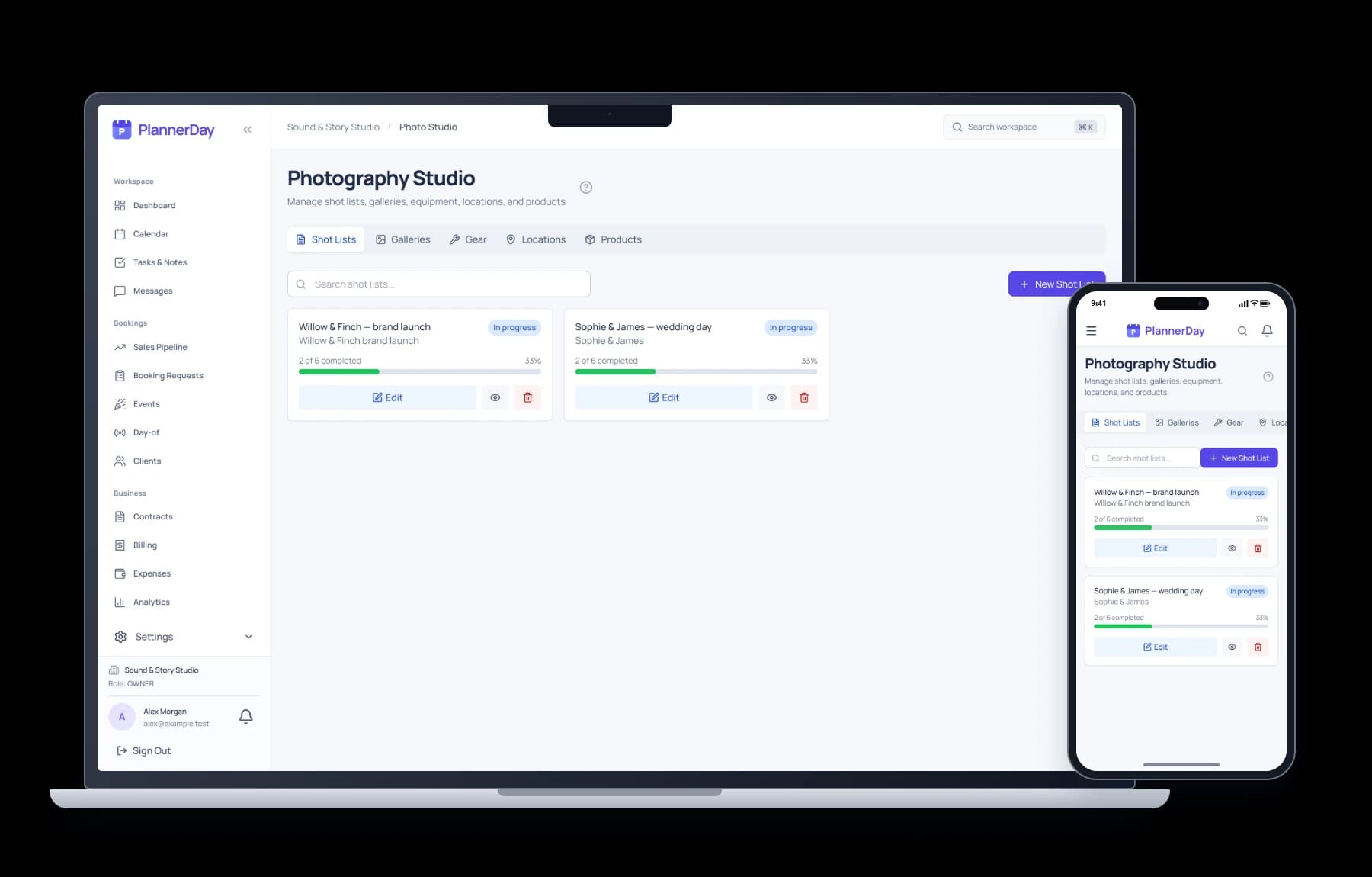
Turn an informal enquiry into a clear, agreed event booking.
Send a booking form to collect the date, venue, coverage hours and contact details.
Quote for the coverage and deliverables, send your contract and set out payment instructions.
Collect priorities, timings, supplier contacts and delivery expectations through a questionnaire.
Use tasks and notes to follow up on selection, editing, delivery and any agreed revisions.
See it in action
Follow a creative brief through shoot preparation, project tasks and invoicing, then see how the next enquiry starts.
Workflow overview45 seconds
Quick look30 seconds
Music and on-screen captions. Example records shown.
Keep the practical details close to the booking, so you can prepare for the day and explain exactly what your client has booked.
Record hours, locations and package details. Use your own terms to agree raw clips, edited videos, turnaround and revision limits.
Keep entrances, speeches, performances and other priority moments in the event timeline alongside supplier and client contacts.
Share contracts, invoices, questionnaires and event information through client accounts, with reusable messages for the next step.
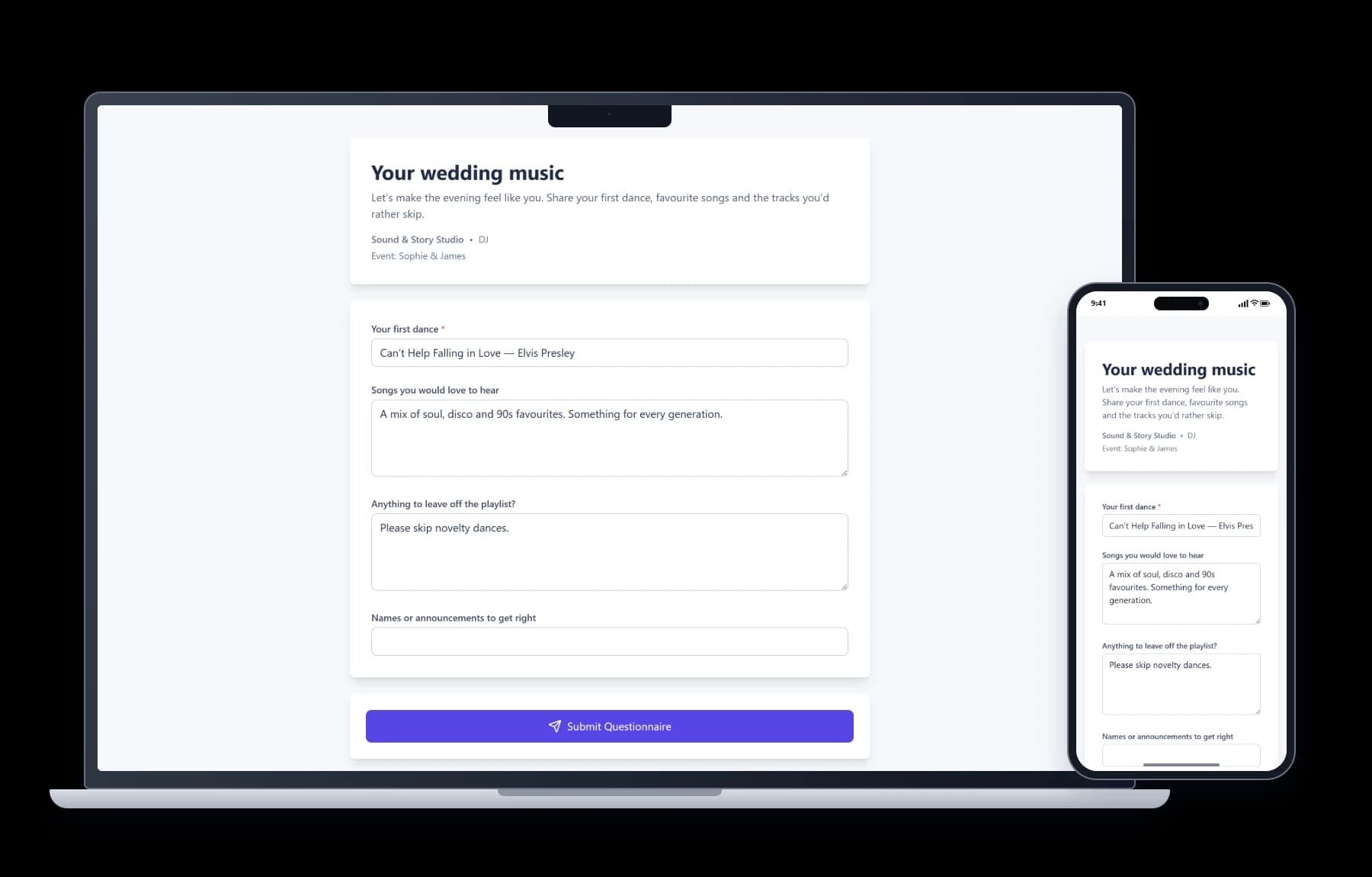
A shared booking process, adapted to the event and the service you sell.
Gather couple priorities, coordinate with the photographer and videographer, and agree the behind-the-scenes coverage and delivery window.
Use the wedding content briefConfirm the venue, guest considerations, key moments and booked hours before the day. Keep client instructions together instead of searching through messages.
Explore booking formsCollect campaign goals, named contacts, access details and agreed deliverables. Track deadlines and approval tasks in your event workflow.
Explore workflowsAgree the coverage, keep track of the promised outputs and give each delivery a clear deadline. Use these free Excel workbooks with weddings, parties and brand events.
Brief a wedding or event content creator: coverage, vertical clips, key moments, permissions and delivery expectations. Download an editable Excel planning workbook.
Read the guide and download ExcelTrack event content deliverables, editing, approvals and handover dates. Download a free Excel delivery planner for wedding and event content creators.
Read the guide and download ExcelConnect the preparation with signed contracts, invoices and deposit tracking and event timelines.
Need help with your own workflow? Talk to us.
PlannerDay suits creators selling coverage of weddings, private parties, brand launches and other events. It manages the business side: enquiries, client details, bookings, quotes, contracts, invoices, questionnaires, timelines and tasks. It can also support photographers or videographers adding event content creation to their services.
Yes. Use booking forms and questionnaires to ask about coverage hours, event locations, key moments, preferred style, delivery deadlines and the client's priorities. Keep the answers with the event so they are available during preparation.
Yes. Keep the booking, client information, documents and timeline together. Record the agreed coverage and supplier contacts, then use tasks and notes to prepare the handover. Team access depends on your plan.
No. PlannerDay is booking and event business software. Use your chosen tools for video editing, file delivery, frame-by-frame review and social publishing. Record delivery tasks and relevant links in your booking workflow.
Include your own payment instructions on invoices, set a deposit schedule and record payments against the booking. Clients pay your business directly; PlannerDay does not process payment for your event services.
The Individual plan starts at £9.99 per month. Paid plans include a 14-day trial with a payment method required. Your selected subscription renews automatically unless cancelled. See the pricing page for current plan limits and team options.
Try the enquiry, contract and preparation workflow with your content creation business in mind.
14-day trial. Payment method required. Renews automatically unless cancelled.
PlannerDay subscriptions provide access to business management software. Event services are supplied separately by independent businesses.